
Ps5 Controller Repair Guide: Expert Solutions for 2026
If you have ever experienced your PS5 controller acting up right as you are about to win, you know how frustrating gaming in 2026 can be. With new hardware updates and evolving firmware, controller issues are more common and confusing than ever.
This expert guide is designed to make ps5 controller repair straightforward, whether you are facing minor glitches or advanced failures. You will find step-by-step troubleshooting, DIY repair tips, advanced fixes, advice on when to seek professional help, and proven maintenance strategies. Ready for smoother, hassle-free gaming? Let’s get started.
Understanding Common PS5 Controller Problems in 2026
Modern gaming in 2026 brings both innovation and new challenges for PS5 owners. As technology advances, so do the types of issues users face with their controllers. Understanding the full landscape of problems is key to effective ps5 controller repair and long-term performance.
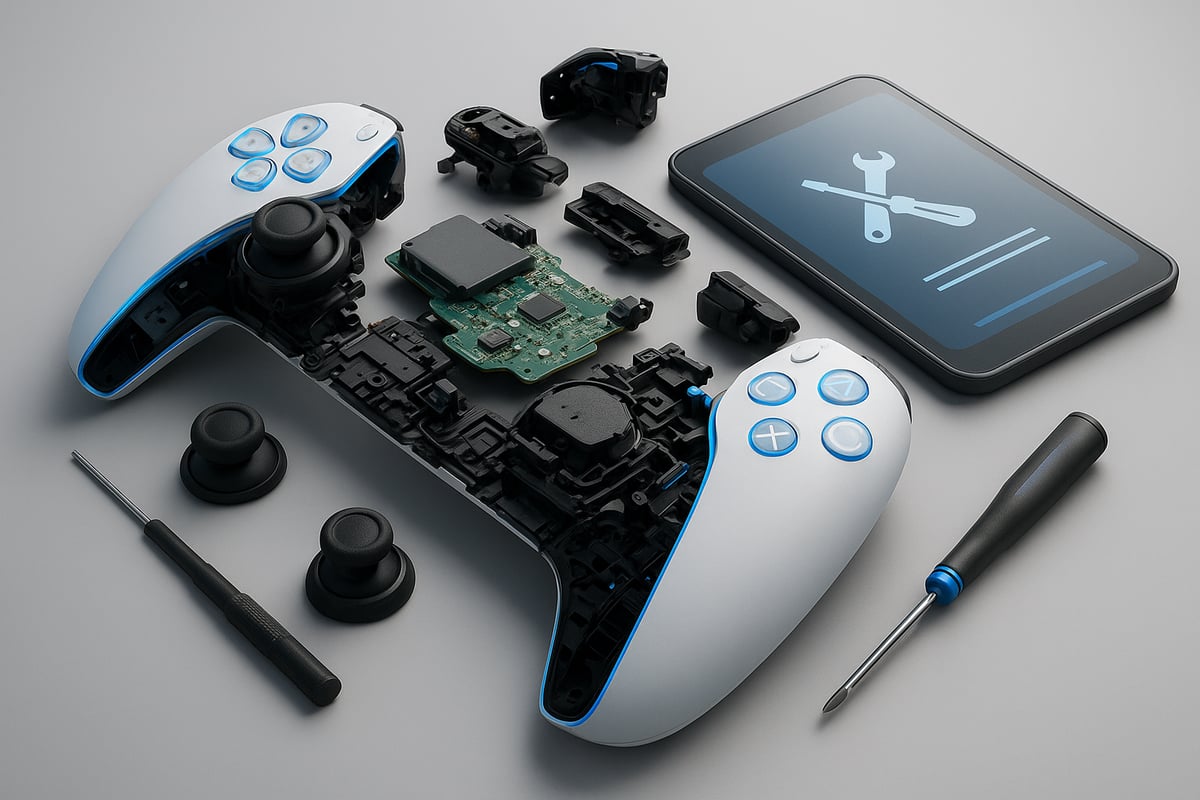
Evolving Issues with PS5 Controllers
The PS5 controller landscape has shifted in 2026, with both new and familiar problems emerging. While earlier models struggled mainly with stick drift and connectivity hiccups, this year’s controllers see more complex firmware and adaptive trigger issues.
Sony has introduced updated haptic feedback modules and refined adaptive triggers, making repairs more involved. Firmware updates now play a bigger role in controller performance, sometimes introducing bugs that require advanced troubleshooting. Recognizing these evolving issues is the first step in any ps5 controller repair process.
Most Reported Problems and Their Symptoms
Gamers frequently report stick drift, where analog sticks register movement without input. This issue remains widespread, with causes ranging from worn potentiometers to dust buildup. For detailed insights into the prevalence and legal implications, consult the PS5 DualSense Stick Drift Defect Investigation.
Adaptive triggers may lose their tension or fail to provide resistance, impacting gameplay feedback. Charging and connectivity problems often manifest as blinking lights, failure to pair, or sudden disconnections. Lastly, buttons might become sluggish, stick, or stop responding, signaling internal wear or contamination. Accurate identification of these symptoms is vital for targeted ps5 controller repair.
Data and Statistics on PS5 Controller Failures
Recent data from Sony and major gaming forums show that approximately 12% of PS5 controllers required service within the first two years of use. The most common ps5 controller repair requests in 2025-2026 relate to stick drift (45%), trigger failures (30%), and connectivity issues (15%).
A user survey found the average controller lifespan is around 2.8 years, with preventive maintenance extending life by up to 18 months. The table below summarizes recent statistics:
| Issue | % of Repairs | Avg. Resolution Time |
|---|---|---|
| Stick Drift | 45% | 5 days |
| Trigger Malfunction | 30% | 7 days |
| Connectivity/Charging | 15% | 3 days |
| Button Issues | 10% | 4 days |
Analyzing these trends helps inform smarter ps5 controller repair decisions.
Warranty and Support Limitations
Sony’s warranty policy for PS5 controllers in 2026 covers manufacturing defects for 12 months from purchase. Coverage includes stick drift, trigger malfunctions, and major connectivity failures, but excludes accidental damage, liquid exposure, and wear from heavy use.
On average, repair turnaround times are 5-10 days, though high demand can extend this period. Customer satisfaction reports show a 78% approval rate, with most negative feedback related to denied claims or long waits. Understanding warranty terms helps avoid unnecessary out-of-pocket ps5 controller repair costs.
When to Consider Repair vs. Replacement
Choosing between ps5 controller repair and replacement depends on cost, environmental impact, and repair success rates. Repairing common issues like stick drift or battery failure typically costs 30-50% less than buying new. Additionally, opting for repair reduces electronic waste, supporting eco-friendly gaming.
Many users have extended their controller’s lifespan by over a year with successful repairs. If the damage is severe or the controller is out of warranty, replacement might be more economical. Evaluating these factors ensures you make the best choice for your gaming needs and the environment.
Step-by-Step Troubleshooting for PS5 Controller Issues
Troubleshooting PS5 controller issues in 2026 requires a systematic approach. With evolving hardware and software, even experienced gamers encounter new challenges. This step-by-step guide breaks down each stage of ps5 controller repair, from diagnosis to preventive measures, ensuring you can restore your controller with confidence.
Diagnosing the Problem
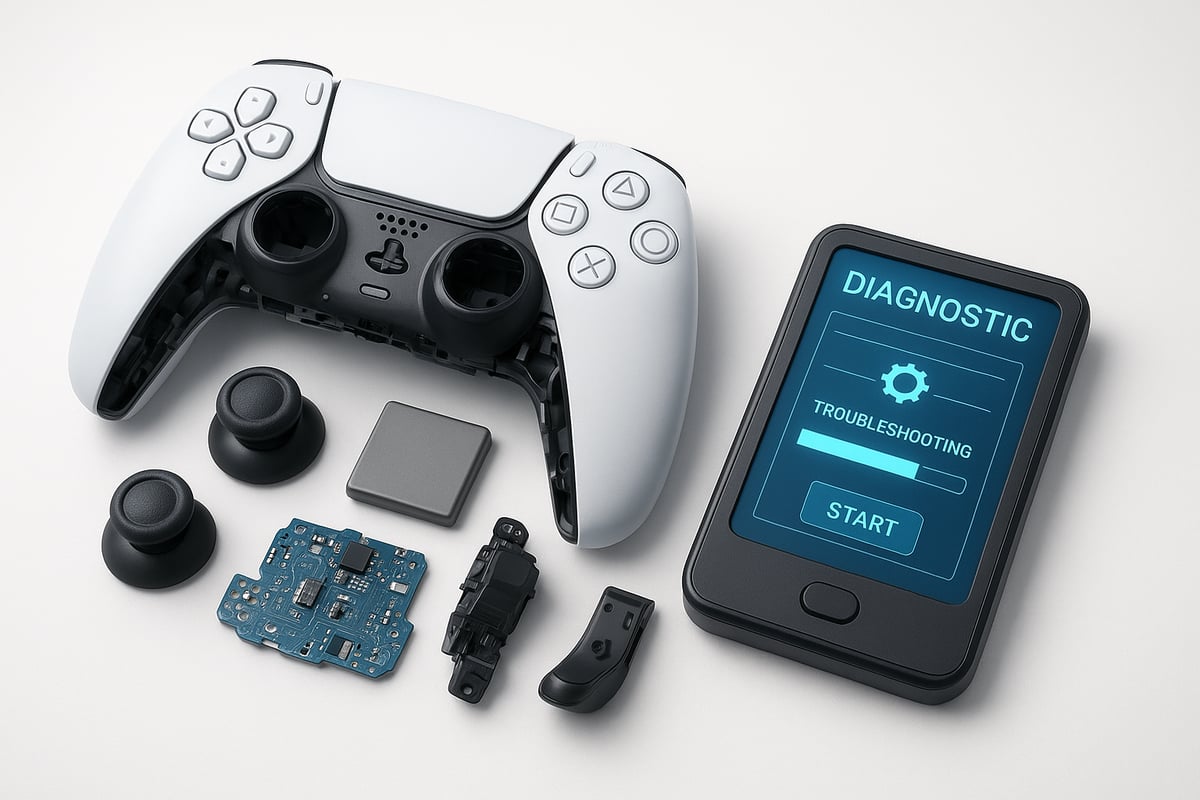
Begin your ps5 controller repair by accurately diagnosing the issue. Start with a full controller self-check. Plug your controller into your PS5 and navigate to the updated diagnostics menu. Observe for error messages or unresponsive buttons.
Use the PlayStation diagnostics tool (2026 update) to scan for hardware and software faults. Pay attention to stick drift, trigger issues, or connectivity errors. Identify whether the fault is hardware-based, such as physical damage, or software-based, like firmware glitches. Recording your findings helps streamline the repair process.
Fixing Connectivity and Charging Problems
Connectivity and charging failures are frequent reasons for ps5 controller repair. First, reset your controller using the small pinhole on the back. Hold the reset button for a few seconds while the controller is unplugged.
Check your USB-C cable for damage or debris. Test with another certified cable if issues persist. Firmware updates often resolve connection bugs, so ensure your controller firmware is current. If charging problems remain, inspect the charging port for dust and clean it carefully.
Addressing Stick Drift and Analog Issues
Stick drift remains a top concern in ps5 controller repair. To address this, calibrate the analog sticks within your PS5’s settings. Navigate to the controller configuration and follow the on-screen calibration steps.
If drift continues, gently clean around the analog modules with a soft brush and isopropyl alcohol. Avoid excessive moisture. Should the issue persist, consider replacing the analog stick module. Persistent drift after cleaning typically signals hardware wear.
Resolving Trigger and Button Malfunctions
Adaptive trigger and button failures often require targeted ps5 controller repair techniques. Begin by inspecting the adaptive trigger mechanisms for visible damage or misalignment.
Carefully clean button contacts and trigger surfaces with approved cleaning solutions. If a button remains unresponsive or sticky, open the controller (following ESD safety protocols) and examine the internal springs or membranes. Replace worn or damaged components as needed to restore full functionality.
Software and Firmware Fixes
Software conflicts and outdated firmware are common culprits in ps5 controller repair scenarios. Always update your controller firmware via the settings menu. If a recent update causes problems, consider rolling back to a stable version.
For advanced diagnostics, use the PlayStation app to identify deeper software issues. For more in-depth troubleshooting steps and guidance on resolving update-related errors, see the PlayStation 5 Software and Update Issues resource. This ensures you’re using the latest, most reliable methods to fix software-related controller problems.
Preventing Future Problems During Troubleshooting
Proper handling during ps5 controller repair prevents new issues. Always use ESD protection to avoid static damage. Select only recommended cleaning products to avoid residue or corrosion.
Document each issue and repair attempt. This record supports any future warranty or service claims. Regular cleaning and careful handling during repairs will extend your controller’s lifespan and reduce the risk of recurring problems.
DIY PS5 Controller Repairs: Tools, Parts, and Step-by-Step Guides
Tackling your own ps5 controller repair can seem daunting, but with the right tools, reliable parts, and a systematic approach, you can resolve many common issues at home. This section breaks down each repair stage, from preparation to final testing, so you can restore your controller’s performance and extend its lifespan.
Essential Tools and Replacement Parts for 2026
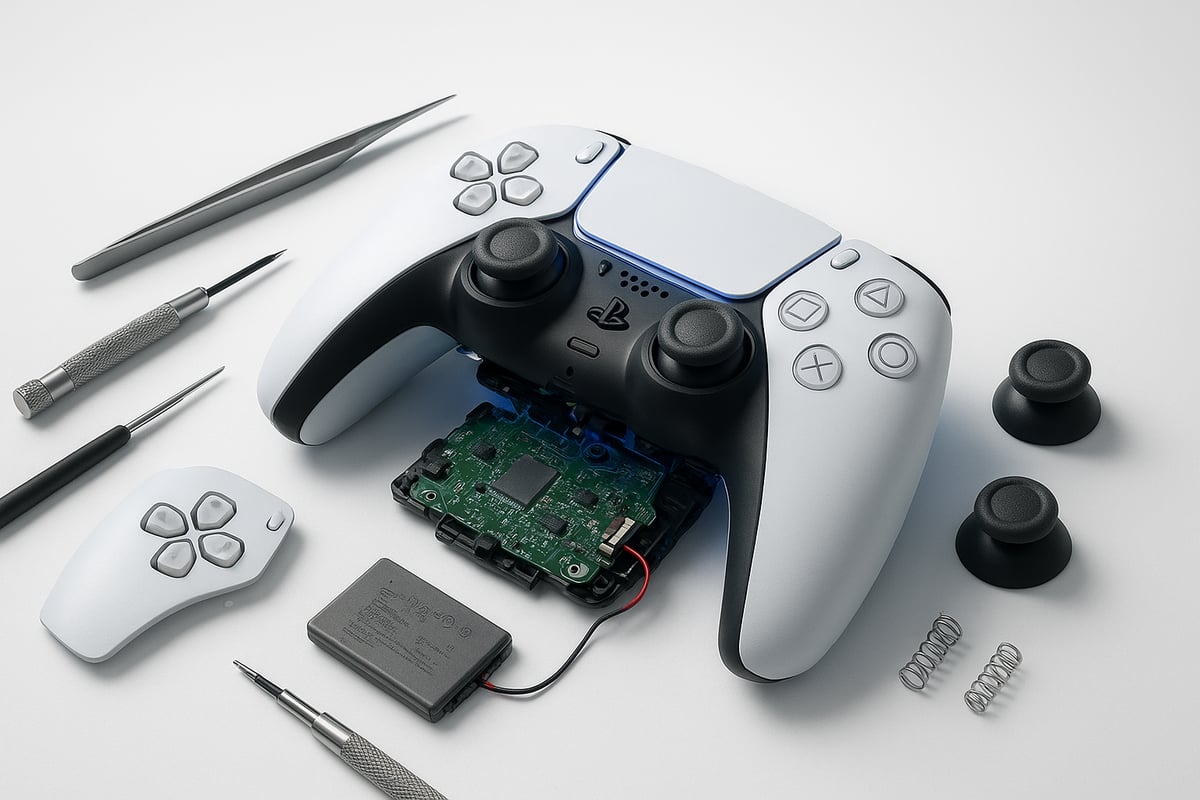
Before starting any ps5 controller repair, gather all necessary tools and compatible replacement parts. A high-quality precision screwdriver set is essential for safe disassembly. Antistatic tweezers help handle delicate components. For soldering tasks, use a low-heat soldering iron and lead-free solder.
Common replacement parts include:
- Analog stick modules
- Adaptive trigger springs
- Button membranes
- Lithium-ion batteries
Always source genuine or certified third-party parts to ensure compatibility and reliability. Many online retailers and official PlayStation partners offer verified components for ps5 controller repair.
Opening the PS5 Controller Safely
Disassembling your controller is the first hands-on step in any ps5 controller repair. Work on a static-free mat and disconnect the controller from all power sources. Carefully remove screws from the back panel, then gently pry apart the shell using a plastic opening tool.
Pay close attention to fragile ribbon cables and internal connectors. Refer to a DualSense Repair Guide | PS5 Gamepad (DualSense) for illustrated steps and safety tips. Taking your time during this phase reduces the risk of damaging sensitive components and sets the foundation for a successful ps5 controller repair.
Replacing Analog Sticks and Modules
Analog stick drift is one of the most frequent reasons for ps5 controller repair. To address this, carefully detach the analog modules once the controller is opened. Unsolder the old module if needed, using minimal heat to avoid PCB damage.
Install the new analog stick module, ensuring all pins are aligned. Solder connections should be clean and secure. Real-world repair success rates for stick drift have improved with modular designs in 2026, making this task more accessible for skilled DIYers. Always test stick movement before full controller reassembly to confirm repair success.
Repairing or Replacing Triggers and Buttons
Trigger malfunctions and unresponsive buttons are common triggers for ps5 controller repair. Start by inspecting the adaptive trigger mechanism for broken springs or worn gears. Replace damaged components with new parts, ensuring all moving pieces are correctly seated.
For sticky or lagging buttons, clean the contact pads and replace the membrane if needed. Take care not to lose small springs or clips during this process. Restoring trigger feedback and button responsiveness can dramatically improve your gaming experience.
Battery Replacement and Power Issues
If your controller fails to hold a charge, a battery swap may resolve the issue. Begin your ps5 controller repair by identifying battery degradation—look for swelling, rapid discharge, or failure to power on.
Disconnect the old battery using a plastic tool to avoid punctures. Install a new, compatible lithium-ion battery, ensuring correct polarity. Properly dispose of the old battery at a recycling center. A fresh battery can restore full wireless functionality and extend the lifespan of your controller.
Cleaning and Preventive Maintenance
Routine cleaning is crucial for reliable ps5 controller repair results. Use isopropyl alcohol and a soft brush to remove dust and debris from the PCB, analog sticks, and button contacts. Approved lubricants can be applied sparingly to moving parts.
Prevent future issues by avoiding moisture and storing the controller in a dust-free environment. Regular maintenance helps keep your controller operating smoothly and reduces the need for frequent repairs.
Reassembly and Testing After Repair
After completing your ps5 controller repair, reassemble the unit carefully. Double-check all ribbon cables, connectors, and screws to avoid common mistakes. Snap the shell together gently, ensuring all seams are flush.
Power on the controller and test every function—analog sticks, triggers, buttons, vibration, and wireless connectivity. If any issues persist, revisit previous steps or consult a professional. Thorough testing ensures your repair delivers lasting results and restores full gaming performance.
When to Seek Professional PS5 Controller Repair Services
Even with the best DIY skills, some PS5 controller repair challenges in 2026 are best left to professionals. Understanding when to transition from home fixes to expert solutions can save time, prevent further damage, and protect your investment.
Signs You Need a Professional Repair
Certain issues signal the need for expert intervention rather than another attempt at ps5 controller repair at home. If your controller has suffered liquid damage, shows signs of a broken PCB, or exhibits severe stick drift that persists after module replacement, professional help is necessary.
Other red flags include controllers that fail to power on, repeated firmware corruption, or visible internal component damage. Attempting further home repairs in these cases can worsen the situation or void remaining warranty coverage.
If you experience sudden loss of all functions or unresponsive adaptive triggers despite multiple troubleshooting attempts, do not risk further damage. Instead, consider seeking ps5 controller repair from a certified service center for a safe, lasting solution.
Choosing a Trustworthy Repair Service
Selecting the right provider is crucial for a successful ps5 controller repair. Look for repair shops with industry certifications, positive customer reviews, and transparent pricing structures. Always verify that they use genuine replacement parts and offer clear warranty policies on their work.
A reputable service should provide detailed diagnostics before starting repairs. For a comprehensive approach to comparing costs, warranty terms, and service reliability, consult resources like the Comprehensive Guide to Finding PS5 Controller Repair Near You.
Ask about average turnaround times and whether they offer updates throughout the repair process. A trustworthy partner will prioritize your controller’s longevity and your satisfaction with the ps5 controller repair.
Professional Console Repair Solutions by Video Game 911
Video Game 911 has established itself as a leader in ps5 controller repair, offering specialized expertise with the latest DualSense models. Their technicians provide free diagnostics, ensuring you understand the problem before committing to any service.

Customers benefit from complimentary return shipping and a high repair success rate, which has earned Video Game 911 a strong reputation for satisfaction. If you need to submit your controller for repair, their streamlined online system makes the entire process straightforward.
For more details about their controller repair offerings and how to initiate a request, visit their PS5 Repair Services Overview page.
What to Expect During the Repair Process
The professional ps5 controller repair process typically follows a clear workflow. First, your controller undergoes a detailed assessment and diagnostic check. Next, technicians perform the necessary repairs, whether that means replacing analog modules, triggers, or internal components.
After repairs, the controller is rigorously tested to confirm all functions work as intended. Throughout the process, reputable providers communicate status updates and expected return dates. Most services include a warranty on parts and labor, offering peace of mind for your ps5 controller repair.
If you have questions or concerns during the process, reliable providers offer responsive customer support and clear post-service guidance.
Alternative Solutions: Manufacturer and Third-Party Support
If your controller is under warranty, consider Sony’s official ps5 controller repair process. Sony’s repair centers can handle most issues, but be aware of potential wait times and limitations on warranty coverage.
Authorized third-party repair centers are another option, often providing faster service and competitive pricing. Compare the costs, timelines, and guarantees of each route to determine the best value for your needs.
Ultimately, choosing the right ps5 controller repair pathway depends on your warranty status, urgency, and confidence in the service provider. Evaluate all options before making your decision.
Preventing Future PS5 Controller Problems: Maintenance Tips for 2026
Keeping your controller in peak condition is essential for uninterrupted gaming. By following expert maintenance strategies, you can avoid frequent ps5 controller repair and prolong your device’s lifespan. Let’s explore the best daily practices, cleaning routines, environmental precautions, and more.
Best Practices for Daily Use
Simple habits can have a big impact on how soon you’ll need ps5 controller repair. Always unplug your controller after it’s fully charged to prevent battery wear. Avoid dropping or tossing the controller, as internal components can be jarred loose.
Consider using protective cases or silicone covers, especially if you game in busy environments. Regularly check for firmware updates, since Sony often releases patches that resolve performance issues.
- Do not overcharge your controller
- Store it in a safe, dry space
- Keep it out of direct sunlight
By making these steps part of your daily routine, you can reduce the risk of sudden malfunctions.
Cleaning and Storage Recommendations
Routine cleaning is crucial to avoid sticky buttons and unresponsive controls, common causes for ps5 controller repair. Use a microfiber cloth and isopropyl alcohol to wipe down surfaces. For crevices and analog sticks, gently use a soft brush or compressed air.
Store your controller in a dust-free environment and avoid leaving it in humid or damp locations. Humidity can cause corrosion and shorten the device’s lifespan.
For more detailed cleaning strategies, consult the Extending the Life of Your Controller: DualSense Maintenance Tips guide, which offers practical advice for preventing major issues.
Environmental Factors and How to Mitigate Them
Environmental factors like heat, humidity, and dust can accelerate wear, leading to more frequent ps5 controller repair. Keep your gaming area well-ventilated and away from heat sources. Use desiccant packs in storage cases to absorb moisture.
If you live in a humid climate, consider investing in a dehumidifier for your gaming space. Dust buildup can be minimized with regular cleaning and by covering your controller when not in use.
Case studies show that controllers exposed to less moisture and dust have a significantly longer lifespan than those stored in uncontrolled environments.
Upgrading and Modding for Longevity
Aftermarket upgrades can help minimize the need for ps5 controller repair. Swapping out standard analog sticks for reinforced versions can extend durability. Some users opt for trigger stops or replaceable button kits to reduce wear on original parts.
Popular mods in 2026 include tactile button upgrades and reinforced bumper assemblies. However, remember that modding may void your warranty and could lead to compatibility issues if not installed correctly.
Evaluate the risks and benefits of each mod. When properly executed, upgrades can make your controller more resilient and responsive over time.
Recognizing Early Warning Signs
Spotting early symptoms can help you avoid unexpected ps5 controller repair. Pay attention to subtle changes like slight lag in button response or faint buzzing noises when using adaptive triggers.
Use built-in diagnostic tools to check for firmware errors or hardware inconsistencies. If you notice stick drift, even occasionally, address it promptly rather than waiting for it to worsen.
Scheduling routine preventive maintenance, such as cleaning and minor part replacements, can keep your controller in optimal working order and prevent serious failures.
Community Resources and Support
Leveraging online communities is a smart way to stay ahead of ps5 controller repair needs. Join gaming forums, watch repair tutorials on YouTube, and participate in user groups for troubleshooting advice.
You can also reference PlayStation Console Repair Solutions to explore repair options and learn more about professional services for PlayStation accessories.
Sharing your own repair experiences can help others and expand the collective knowledge base, ensuring everyone enjoys longer-lasting controllers.